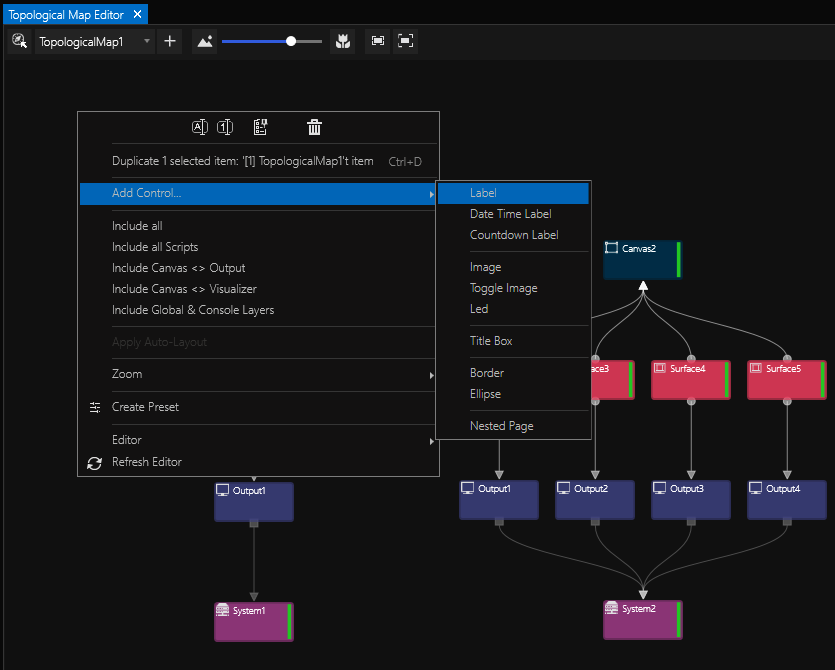
•Survey all Canvases, Surfaces, Screens and Outputs in your entire cluster with the help of a Topological Map
•Review any interconnections between all your project's Scripts
•Add labels, shapes and images to annotate your map
Create A Topological Map
Go to MAIN MENU > CREATE > Topological Map
The new item will appear in the Project Explorer.
View it in its editor window which can be accessed either via its context menu ...
... or by going to MAIN MENU > WINDOWS > Tools > Topological Map Editor.
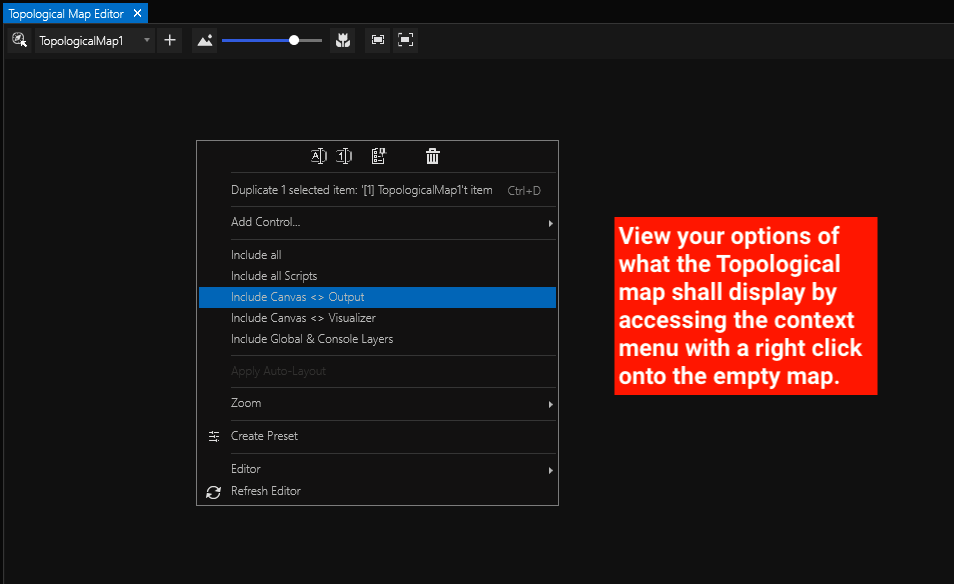
Once you have decided what to include in your Topological Map, the window will be filled with a chart according to your choice:
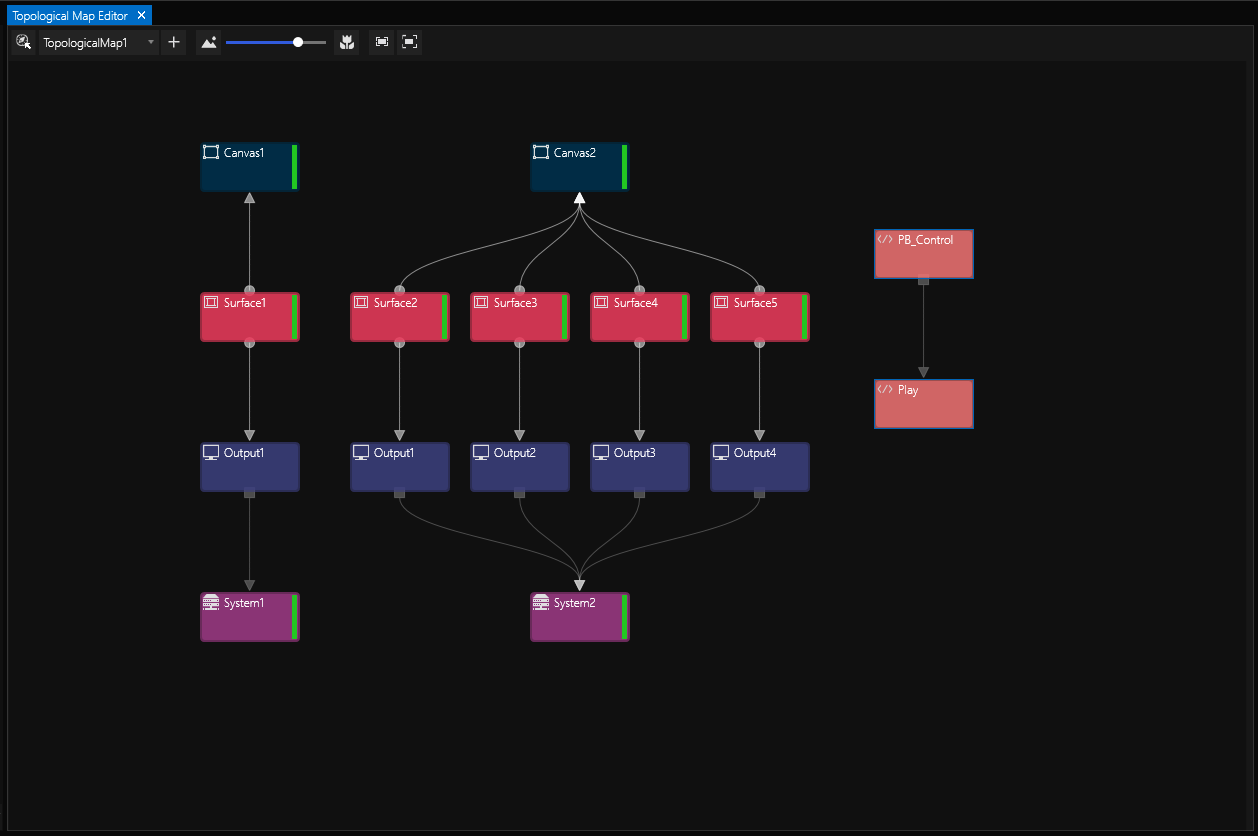
Use the context menu again for adding controls such as labels, shapes and images: