•If working with multiple Systems into a Project, you can define on which of this Systems a Node System should be executed
•By default, a Node System first is only executed and running on Master
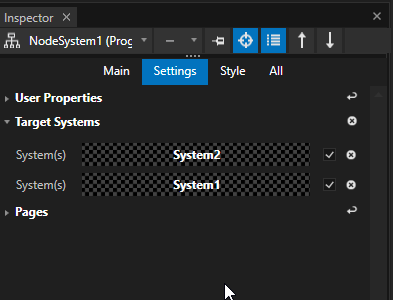
•If a Node system should run on multiple Systems into your Project, you can define this with the Target Systems Tab
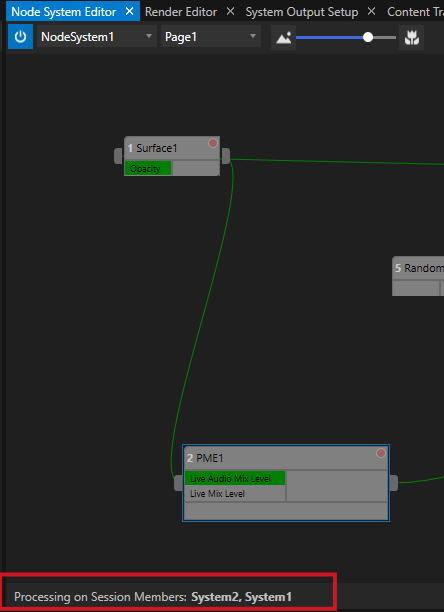
•The Node System Editor displays on which Systems your Node System is currently executed and running
Define Target Systems
•First switch to the Advanced Mode of The Inspector
•Select a Node system into Project Explorer
•Open the "Target Systems" tab into the Inspector
•Drag a System from the Project Explorer to the Target Systems Tab
•Repeat the last step for all Systems on which you want to run the Node System
There is an information into Node Systems Editor on which Systems of your Project your Node System is currently processed: