Content info and thumbnails are transmitted between VERTEX and consoles via CITP.
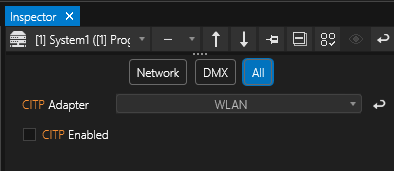
In order to use this protocol, enable it first in the System Settings. Here you can also choose the correct network adapter.
Use the Inspector's search filter and type in CITP to locate these settings:
Then go to MAIN MENU > WINDOWS > Content > Content Folder File Banks to open this window to set your content banks:
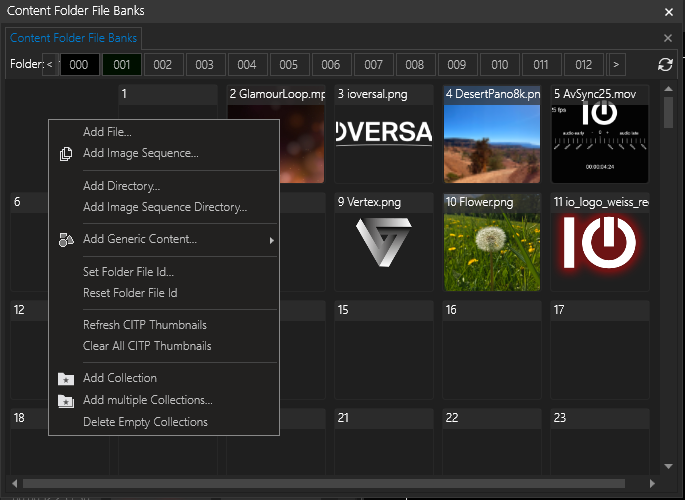
In this window users can drag and drop content from Project Explorer into folders/ banks to be used in conjunction with connected lighting consoles.
Right-click for a context menu with further options.